Spam Check User Guide
A complete guide to using the AI-powered email spam & phishing detector - including the Forward & Scan service, the web form, and how the multilingual AI works.
1What is Spam Check?
Spam Check is a free, AI-powered tool that analyses suspicious emails and tells you whether they're safe, suspicious, or dangerous. There are two ways to use it:
Forward & Scan
Forward any email to check@mail.cyber-fool.com and receive an instant AI analysis reply.
Web Form
Paste the sender address and email body into the web form at /spam-check for a quick check.
2How to Use Forward & Scan

Step 1 - Open the suspicious email
In your inbox (Gmail, Outlook, Apple Mail, etc.), open the email you're unsure about. Don't click any links inside it.
Step 2 - Forward to check@mail.cyber-fool.com
Hit 'Forward' and send the email to check@mail.cyber-fool.com. No sign-up, no account needed.
Step 3 - AI analyses it instantly
Within 10–30 seconds, the AI scans the sender domain, content, links, urgency tactics, impersonation signals, and known scam patterns.
Step 4 - Receive your verdict by email
You'll receive a structured reply with a colour-coded verdict, red flags, detailed analysis, and recommended actions.
3The Email You'll Receive
After forwarding, you'll receive a branded HTML email with a structured analysis. Here's what each section contains:
🛡️
The Cyber Fool
Email Security Analysis
Verdict
✅ SAFE
Risk Level: Low (92% confidence)
This email appears to be a legitimate order confirmation from Amazon.
⚠️ Red Flags Found
None detected
✅ Recommended Actions
1. The email is safe to open. Verify your order in the Amazon app if unsure.
4Understanding the Verdicts
No threats detected. The email appears legitimate.
Warning signs present - verify independently before taking action.
High-risk phishing or scam. Do not engage - delete immediately.
Insufficient data. Exercise caution.
5Multilingual AI - Responds in Your Language
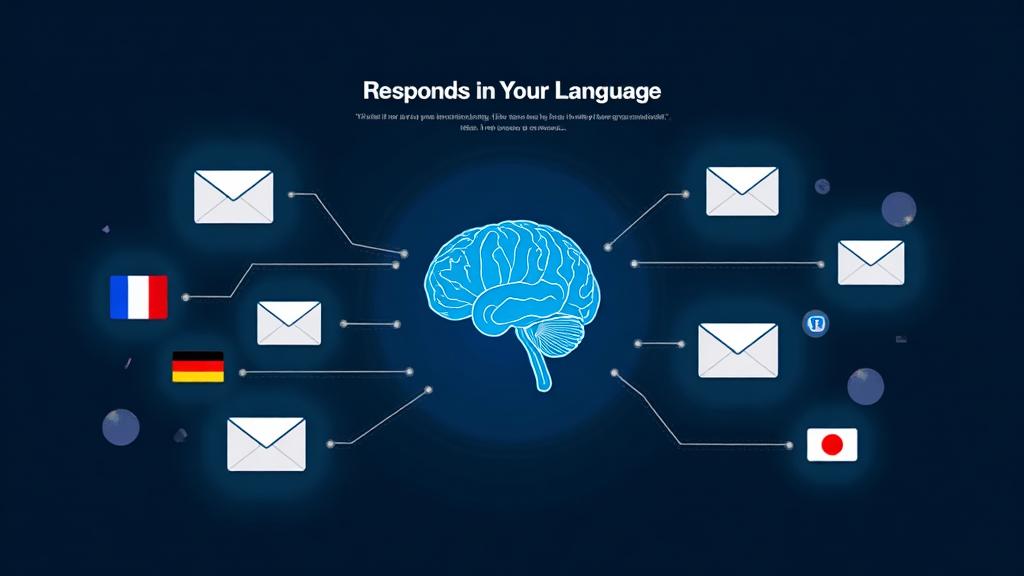
One of the most powerful features of Spam Check is automatic language detection and response. When you forward an email written in any language, the AI:
Detects the language of the forwarded email automatically
Analyses the content using the same phishing and scam detection engine
Replies entirely in the sender's language - not English
Supports French, Spanish, German, Arabic, Japanese, and 50+ other languages
Example: French phishing email
📩 Forwarded email (French)
"Votre compte a été compromis. Cliquez ici immédiatement pour sécuriser votre accès..."
🛡️ AI Reply (French)
"Verdict : DANGEREUX 🚨 - 95% de confiance. Cet email utilise des tactiques d'urgence et un lien suspect..."
6Using the Web Form

If you prefer not to forward, you can paste the email content directly into the web form:
Go to the Spam Check page at cyber-fool.com/spam-check
Paste the sender's email address (optional but improves accuracy)
Paste the full email body into the content field
Click 'Check Email' and receive an instant on-screen verdict
7Quick Tips
Don't click links first
Always check the email with Spam Check before clicking any links or downloading attachments.
Check the sender domain
Scammers often use domains like amaz0n.xyz or paypa1.com. The AI catches these.
Works for work emails
Ideal for checking 'CEO fraud' or fake IT support emails (Business Email Compromise).
100% free, no sign-up
Both Forward & Scan and the web form are free with no account required.